Let’s say you work at a print shop. You’ve meticulously prepared a file for print, double-checking everything before and after the run. You hand over the finished work to the client, only to hear: "Wait, I wanted it to look completely different!"
Sound familiar? So, what can you do about it?
In corporate business, people sign a letter of intent when closing a deal, but in the printing industry, things are much simpler. Experienced designers live by one golden rule: never take a client’s word for it. Who knows what they actually had in mind or casually mentioned during a quick phone call? Always demand clear, written specifications—via email, messenger, or on paper.
This reminds me of a funny—and painful—story from my own experience. Once, I corrected what I thought were obvious grammar mistakes in a client’s Ukrainian copy before sending the layout to print. Instead of a "thank you," I got an angry call: "How dare you change that?!" It turned out that writing in Surzhyk (a mixed Ukrainian-Russian dialect) was an intentional move by their marketer. Lesson learned: no unauthorized edits without formal client approval.
To prevent costly misunderstandings, print shops use signed color proofs or layout approval sheets confirming order parameters. Creating these sheets manually via Excel, Word, or Acrobat is a tedious, multi-step process involving image exports and manual formatting.
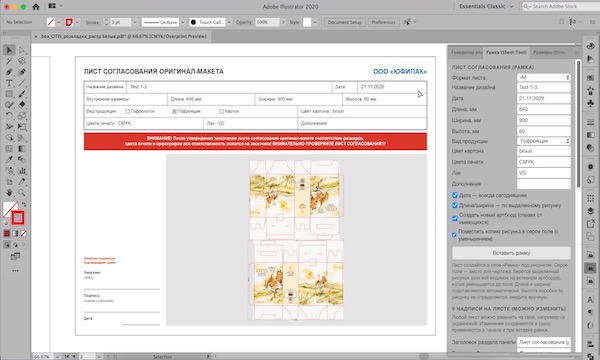
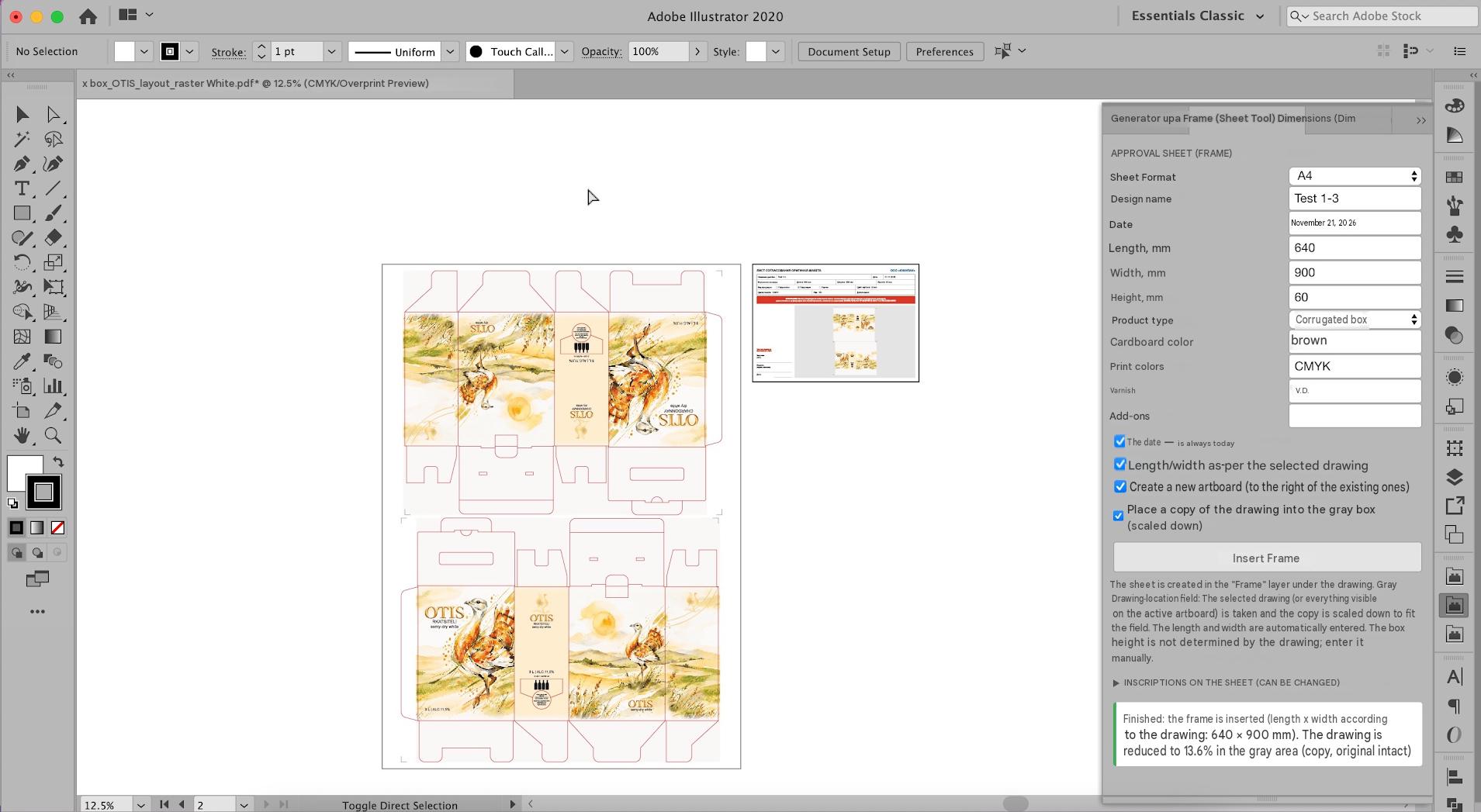
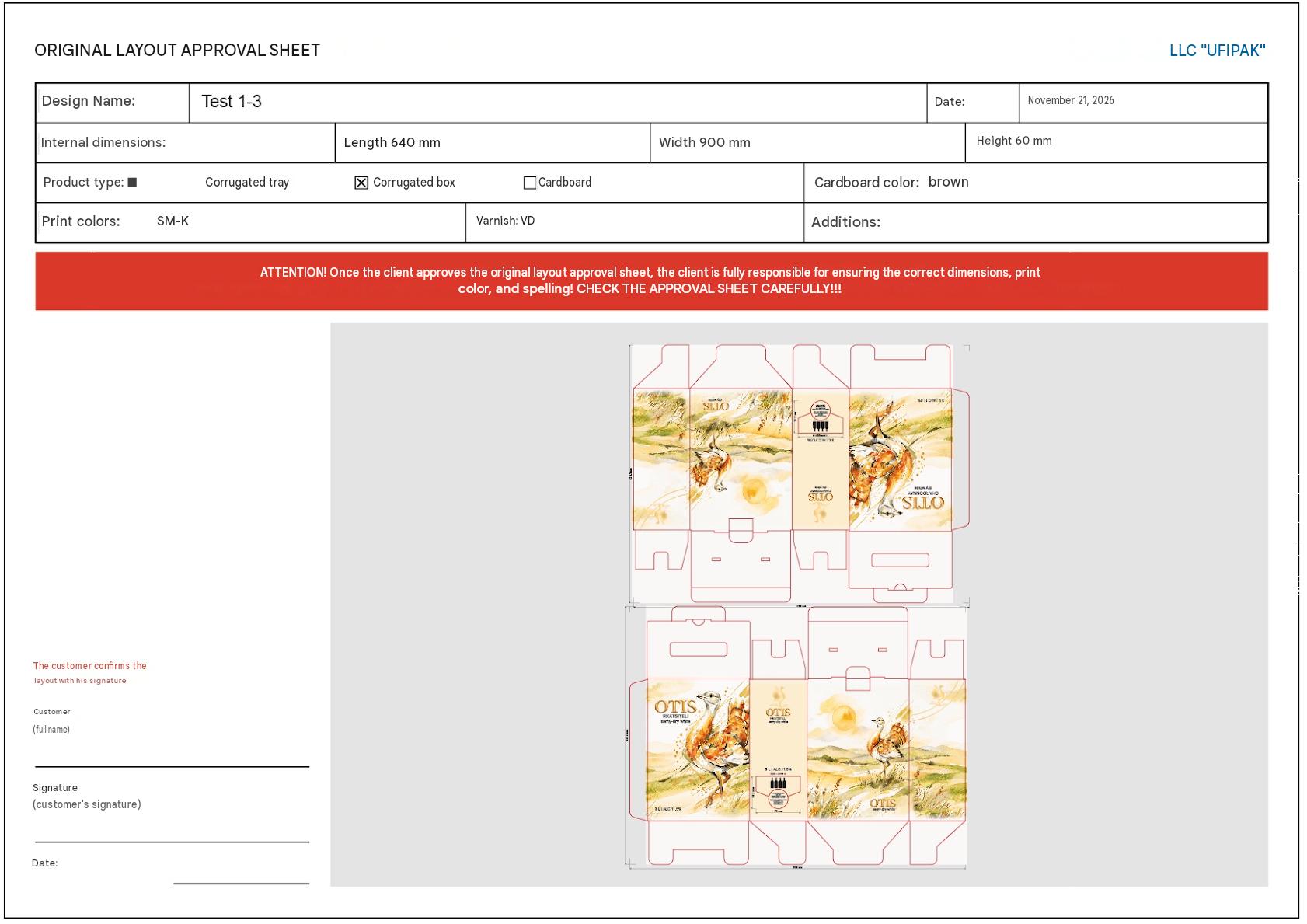
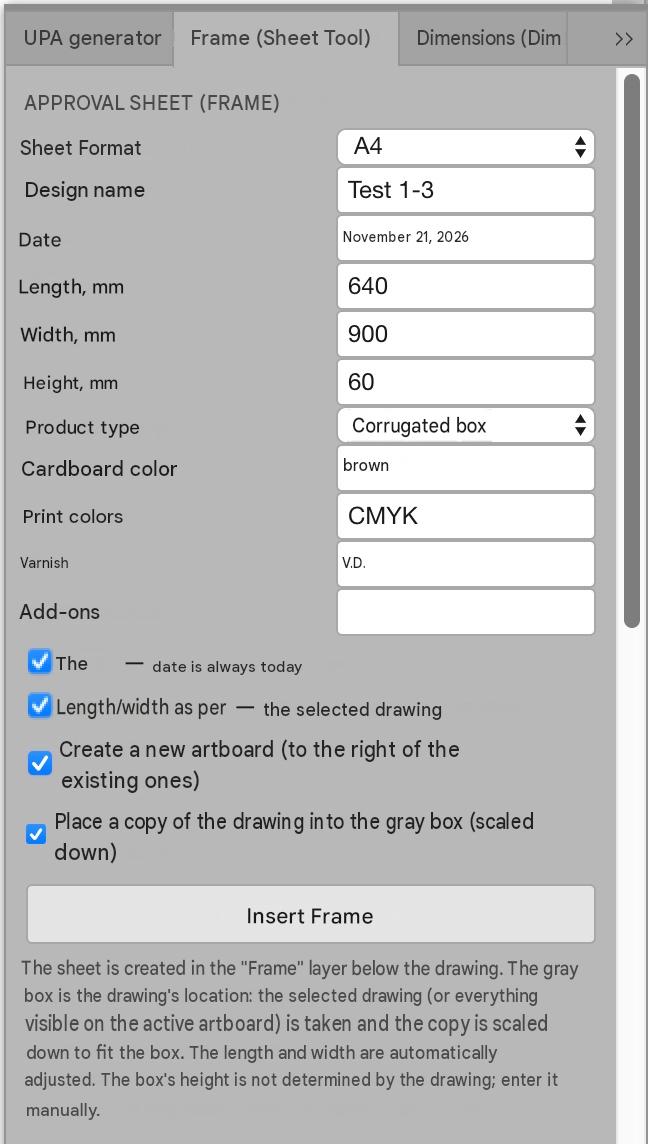
To solve this, the Ai Agreement plugin for Adobe Illustrator generates a complete A4 sign-off form next to your active artboard with a single click, including:
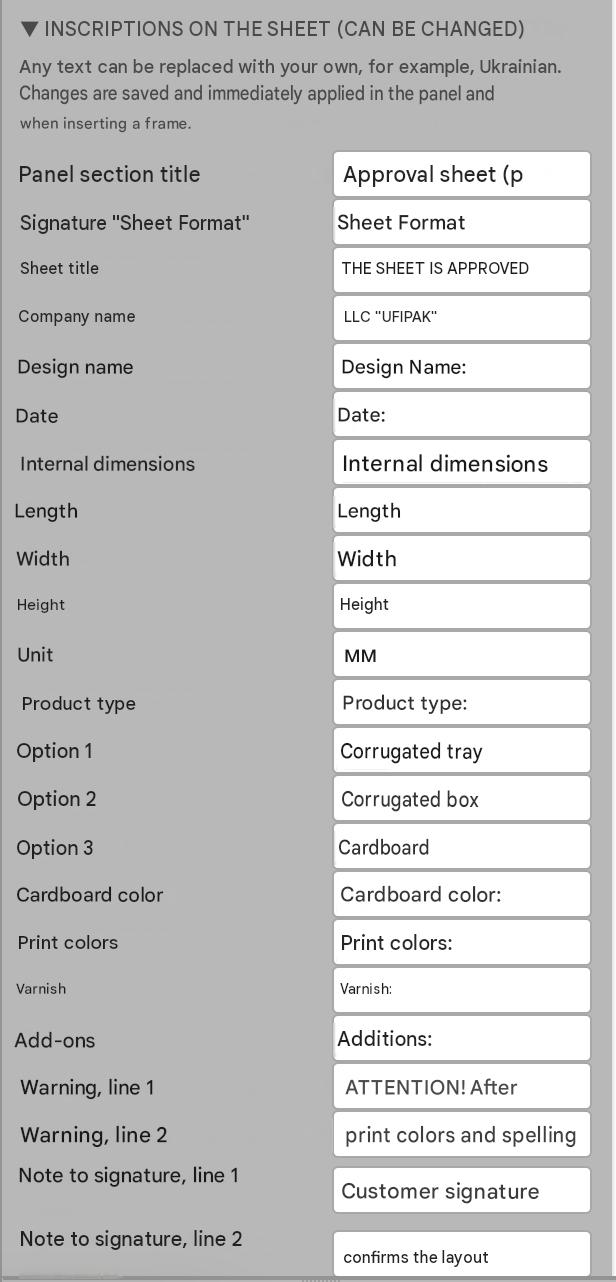
- Company details: configurable names for your shop and the client;
- Credits: designer name;
- Print specs: colors, coatings, and technical parameters;
- Visual preview: a proportionally scaled artwork frame;
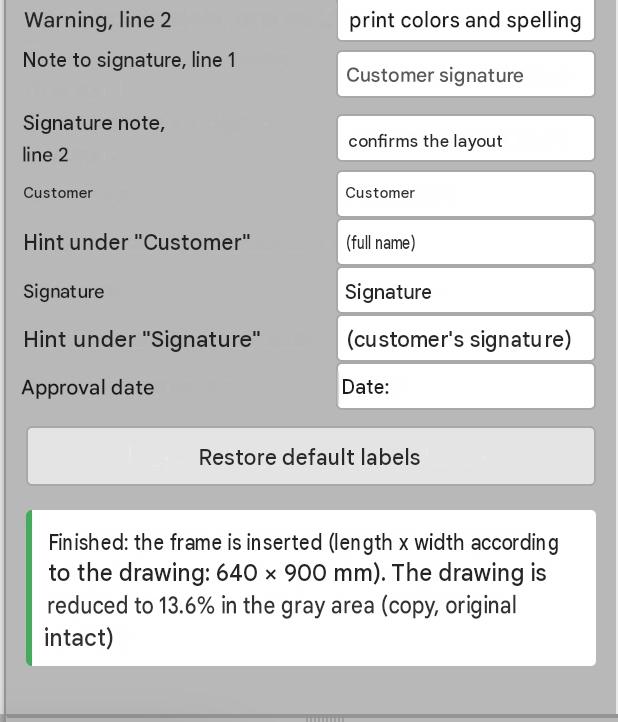
- Sign-off fields: signature, company stamp, and date fields.
Frequently Asked Questions (FAQ)
- Can I customize the template with my branding? Yes, you can edit it to include your logo, contact info, and custom fields.
- Does it work on Windows and macOS? Yes, it is compatible with Adobe Illustrator on both platforms.
- How much time does it save? It generates a sign-off sheet in seconds instead of spending 5–10 minutes on manual prepress tasks.
Ready to Speed Up Your Prepress Workflow?
Stop wasting time on manual sheets and protect your shop from costly errors. You can find the full details and download the tool here: Download Ai Agreement on the Plugins for Adobe Illustrator page.