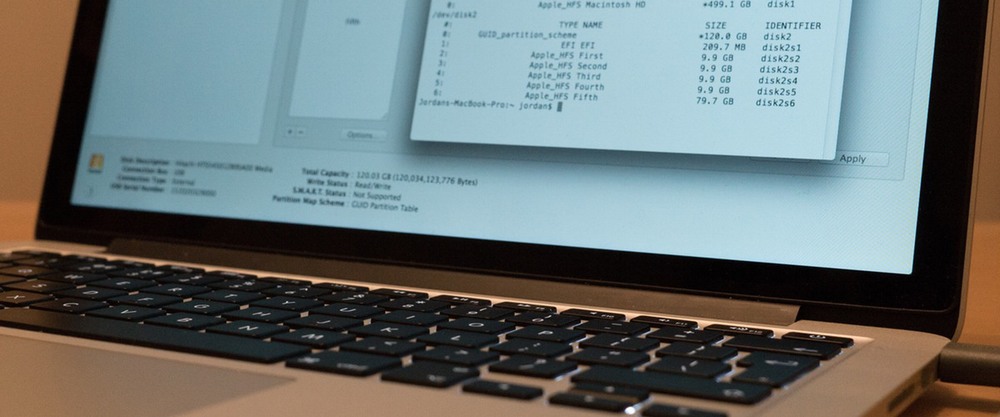
In the first part of this series, we explored the basics of disk and partition management via the command-line. Next, we'll see how we can perform disk partitioning as well as how to split, merge and erase ones created.
Select your language


In the first part of this series, we explored the basics of disk and partition management via the command-line. Next, we'll see how we can perform disk partitioning as well as how to split, merge and erase ones created.

Disk Utility within Mac OS X provides a range of disk management tools, from erasing and repartitioning hard disks to restoring images and repairing volumes. It's a simple way of interacting with attached storage on your Mac.

I'm a designer. Here you can see my work. Yes, I do my job.
The main rule - you will never see the unfinished work. Only thoroughly polished projects can produce in life.
Select your language


