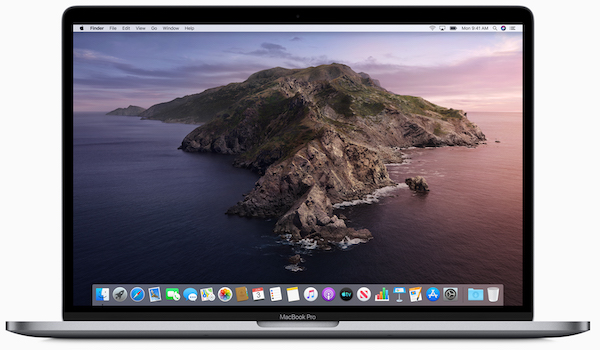
macOS Catalina and File Sharing

macOS Catalina and File Sharing

I installed Catalina again and now I can't solve the problem of file sharing in the "settings panel". The checkbox simply won't be checked and I can't add/share any disks or folders. It seems like they cut out SMB altogether.

But there is a solution:

Enabling Sharing on Catalina (OsX 10.15)
  1.  Open Terminal
  2.  Copy: sudo launchctl load -w /System/Library/LaunchDaemons/com.apple.AppleFileServer.plist
  3. Press [Enter]
  4. Type your password (not displayed) and press [Enter]
  5.  Copy: sudo launchctl load -w /System/Library/LaunchDaemons/com.apple.smbd.plist
  6. Press [Enter]
  7. Type exit and press [Enter]

When the process is complete, close Terminal

Open system preferences and go to Sharing. That's it!

About us

bottom logo en

I'm a designer. Here you can see my work. Yes, I do my job.

The main rule - you will never see the unfinished work. Only thoroughly polished projects can produce in life.

Packing calculator

Select your language

Select your language

Cookies user preferences
We use cookies to ensure you to get the best experience on our website. If you decline the use of cookies, this website may not function as expected.
Accept all
Decline all
Read more
Analytics
Tools used to analyze the data to measure the effectiveness of a website and to understand how it works.
Google Analytics
Accept
Decline
Advertisement
If you accept, the ads on the page will be adapted to your preferences.
Google Ad
Accept
Decline
Save